Print from Your iPhone or Android to Any Printer
Print PDFs, Word documents, and photos straight from your phone. No cables, no setup — just connect and print.


Print your first document free — up to 10 pages, no sign-up, no sign-in.
- Printer models
- 10,000+
- Setup time
- < 2 min
- Free pages
- 10
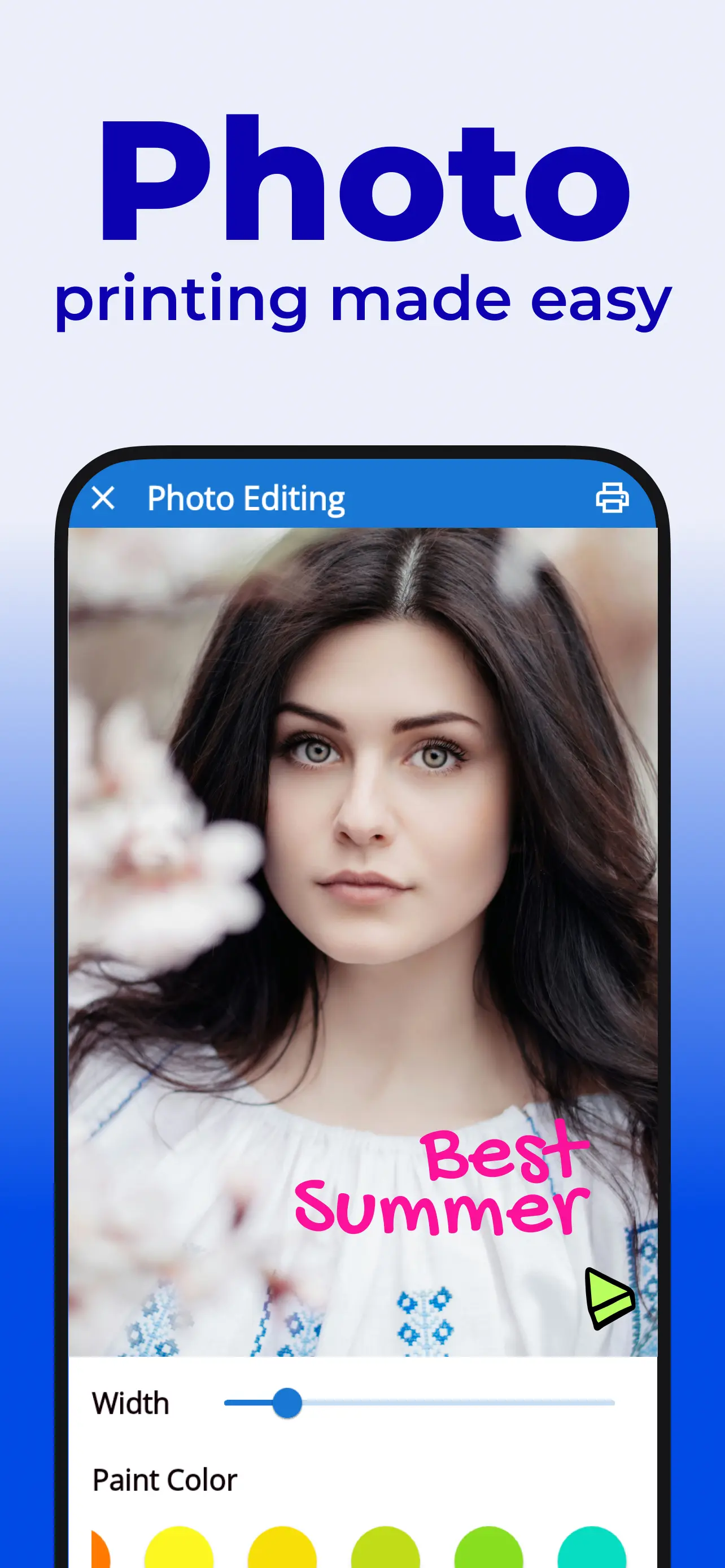
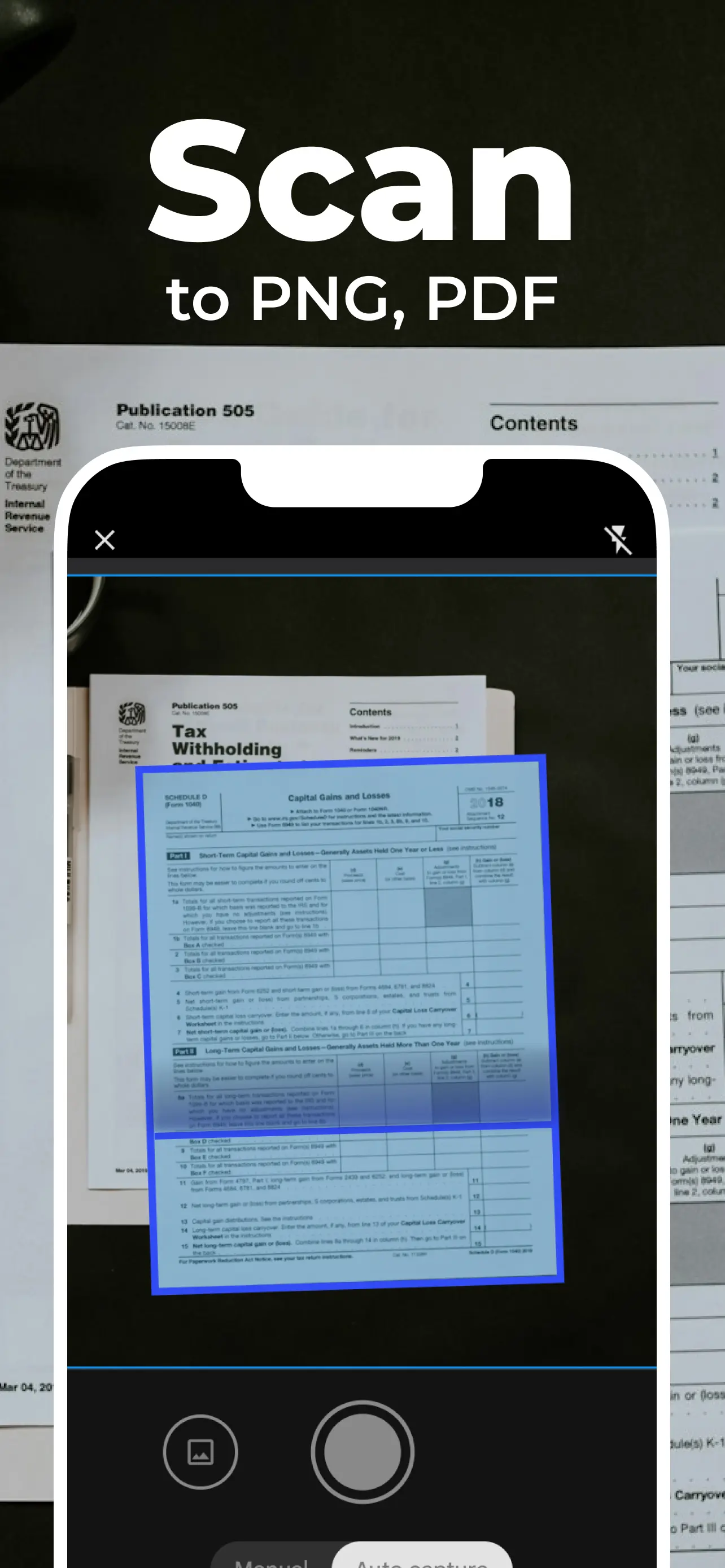
Smart Print Features: Print from Phone Made Easy
Everything you need to turn your phone into a printer, with no extra hardware.
Universal Printer Support
Connect to any printer brand and model with our smart detection technology
Print from Phone
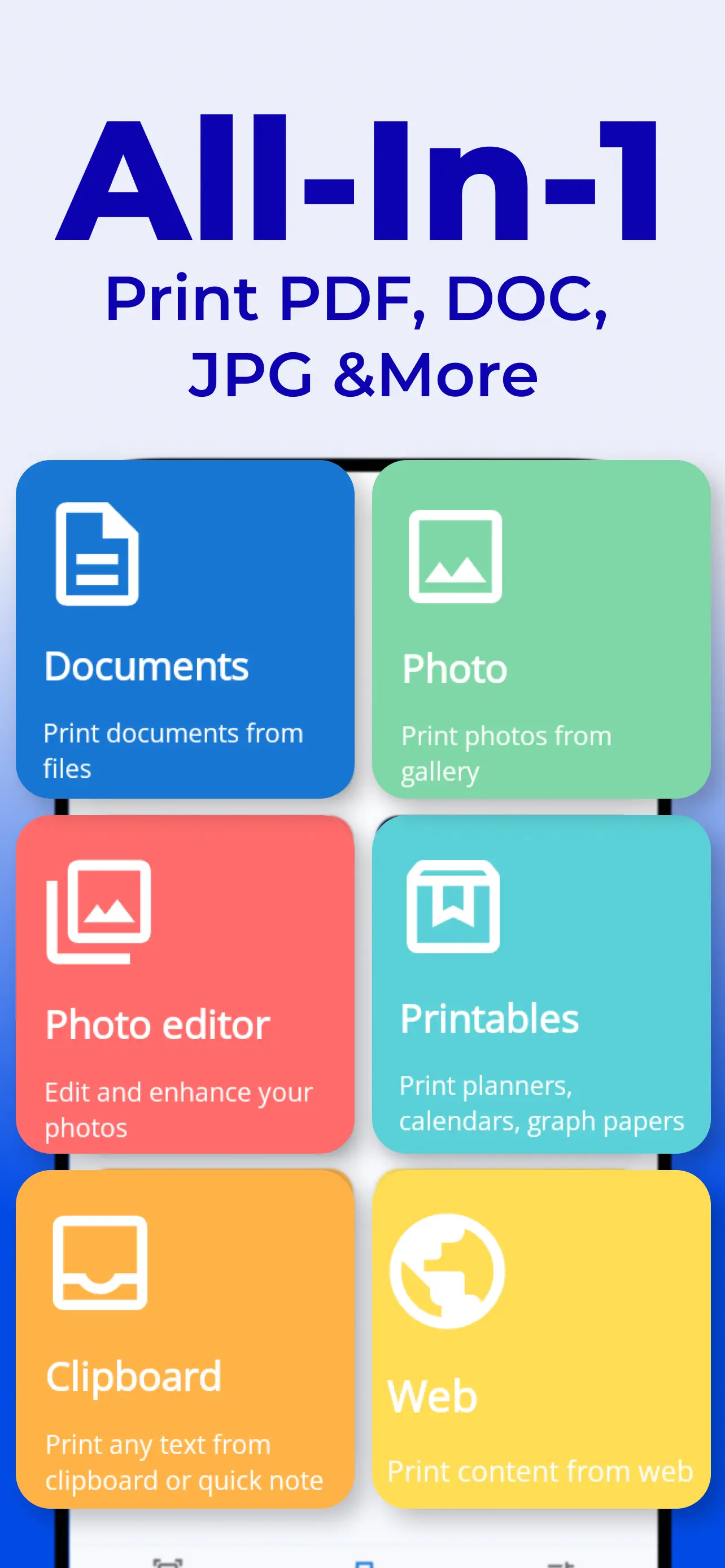
Print documents and photos directly from your smartphone or tablet with our phone printer app
PDF & Word Printing
Print PDFs, Word documents, and photos directly from your phone with reliable formatting
Productivity Printables
Get Free Calendars, Planners, & Lined Paper to Increase Your Focus & Efficiency
Helpful Printing Guides
Learn how to print from Android and iPhone with our comprehensive phone printing guides.
How to Print from Android
Complete guide on printing from Android devices using built-in features, brand apps, and Smart Print. Learn Android printing with our Android printer app.
Read GuideHow to Print from iPhone
Complete guide on printing from iPhone devices using AirPrint, brand apps, and Smart Print. Learn iOS printing with our iPhone printer app.
Read GuidePhoto Printing Tips
Get the best results when printing photos from your phone. Color settings, paper types, and quality optimization.
Coming SoonPrint PDF & Word Documents
Print PDFs and Word documents from your phone, plus fixes for blank pages, broken formatting, and password-protected files.
Read GuideHow to Use Smart Printer App in 3 Easy Steps
Start printing from your phone in less than 2 minutes.
Download the App
Get Smart Printer App from Google Play Store (Android) or App Store (iOS). Free to download with premium features available.
Connect Your Printer
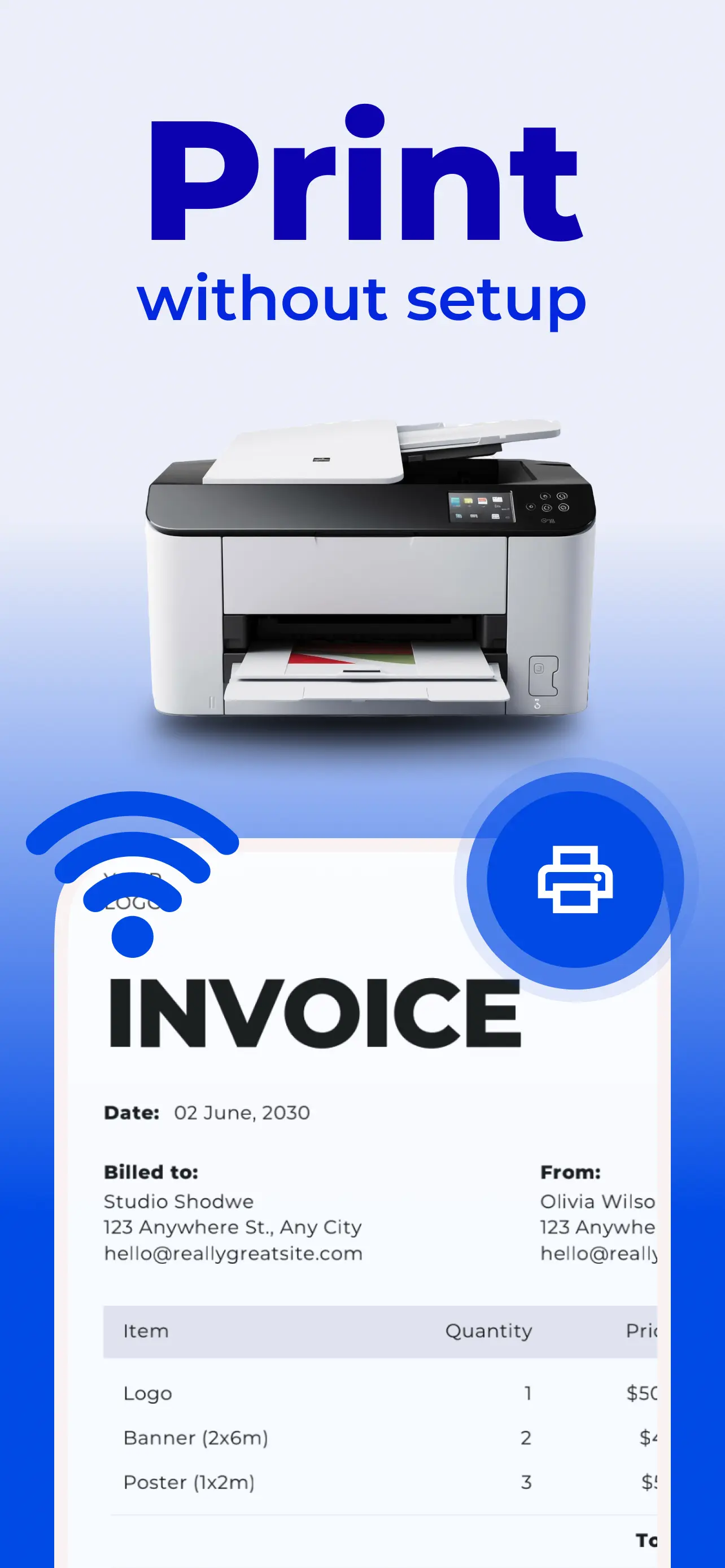
Make sure your phone and printer are on the same Wi-Fi network. The app automatically detects nearby printers.
Start Printing
Select your document, photo, or file. Choose your printer and tap Print. It's that simple! Works with PDFs, images, Word docs, and more.
Ready to simplify printing from your phone?
Get Started NowChoose Your Plan
Start with a 3-day free trial. Cancel anytime, right in the app.
3-day free trial on both plans. Cancel anytime in the app — no ads at any step.
What Users Are Saying
"Printing from my phone used to be a pain. This app has changed that. It's simple, fast and reliable. Highly recommend."
"The design is simple and clean, and it's super easy to use. Just follow the steps and click to print."
Frequently asked questions
Smart Printer App supports all major printer brands and models. It works on both Android and iOS devices, making it easy to print from your smartphone or tablet with our phone printer app.
Simply open the app, tap "Add Printer" on the printing screen, and follow the on-screen instructions. Ensure your printer and phone are connected to the same Wi-Fi network. The app will automatically detect nearby printers, or you can manually add them for wireless printing.
Our subscription includes unlimited printing, real-time printer monitoring, support for 10,000+ printer models, and premium customer support for all your phone printing needs.
You can cancel your subscription at any time through the app settings, the Google Play Console, or by contacting our support team. No long-term commitments are required.
Yes — and you don't need to sign up for anything to start.
- First, print one document free. Up to 10 pages, no account, no payment info. See your printer connect and your document print before you decide anything.
- Still deciding? Start a 3-day free trial for full access.
- Ready to keep using it? Choose a weekly or yearly plan.
No ads at any step. Cancel the trial or subscription anytime, right in the app.